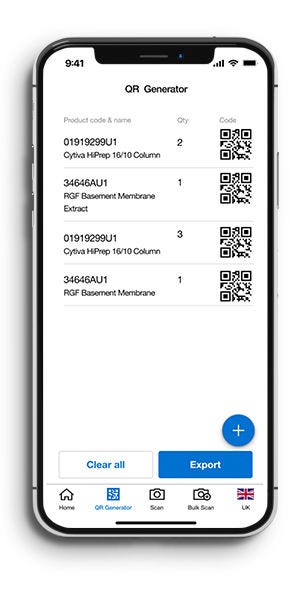
Create QR codes for one or multiple products you order.
Scan2Order App
Create QR Codes. Scan. Order Quickly.
If you’re looking for a quick and easy way to order frequently purchased items using your mobile phone and QR codes, Fisher Scientific Scan2Order is the perfect app for you.



How it Works
1. Generate QR Codes
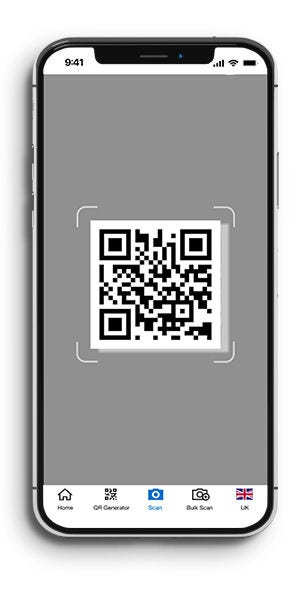
2. Scan With Your Camera
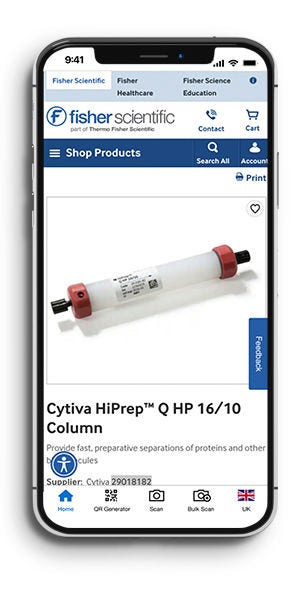
3. Purchase
Scan one or multiple QR codes using your mobile phone camera.
Add items to your basket, review your order, and proceed to checkout in just a few clicks.
Tutorial
Download our Excel tool to easily generate multiple QR codes for your frequently purchased items and streamline your reordering process.